
8 min read
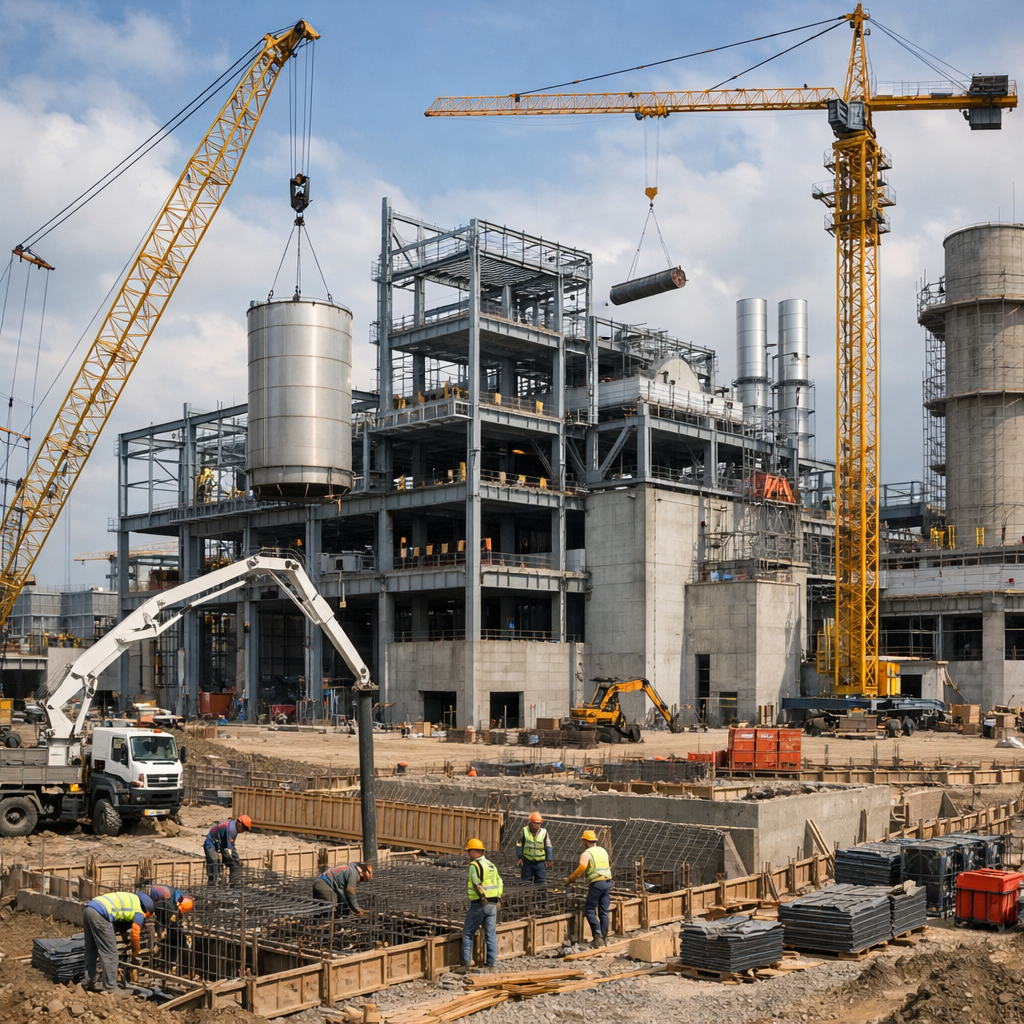
Construction CFOs and operations leaders face a critical challenge when comparing cloud ERP options: knowing which job costing features matter most for your projects. 3Value delivers advanced cloud ERP for construction companies through Acumatica, giving you the project accounting tools you need to keep margins healthy and projects on track.
This guide covers the 11 must-have job costing and project accounting features you should look for when evaluating construction ERP software. Use this checklist to compare your options and choose the platform that fits how your business operates.
Quick guide: 11 essential cloud ERP job costing features
- Real-time job cost tracking: Monitor labor, materials and subcontractor costs as they happen
- AIA billing and G702/G703 reporting: Generate industry-standard payment applications automatically
- Retainage management: Track held amounts on both receivables and payables by project
- Change order control: Capture scope changes with approval workflows before they affect budgets
- Cost code structures: Organize expenses by CSI division or custom codes for granular reporting
- Subcontractor compliance tracking: Manage insurance certificates, lien waivers and certified payroll
- WIP (Work in Progress) reporting: Calculate earned revenue against billed amounts for accurate financials
- Budget vs. actual comparisons: Compare estimated costs to real expenses at every project phase
- Mobile field access: Let crews enter time, expenses and daily logs from any job site
- Equipment cost allocation: Assign equipment usage and depreciation to specific jobs
- Multi-entity project accounting: Consolidate financials across divisions, regions or subsidiaries
How we evaluated these cloud ERP job costing features
 Selecting the right construction ERP takes more than reading a product brochure. We evaluated these features based on what CFOs and operations leaders tell us matters most when managing project finances.
- Direct impact on cash flow: Features that help you bill faster, track retainage and forecast project revenue keep your business funded
- Compliance readiness: AIA billing, certified payroll and lien waiver tracking reduce audit risk and keep you qualified for bonding
- Field-to-office integration: Real-time data from job sites eliminates double entry and gives you current cost information
- Margin protection: Budget tracking and change order controls help you catch cost overruns before they eat into profit
- Scalability: Multi-entity support lets you add divisions or regions without outgrowing your ERP
The 11 must-have cloud ERP job costing features for construction
1. Real-time job cost tracking
Real-time job cost tracking captures labor, materials, equipment and subcontractor expenses as transactions occur. This gives project managers current data instead of waiting for month-end reports to see how a job is performing.
3Value delivers real-time job cost visibility through Acumatica's cloud architecture. Every purchase order, timecard entry and vendor invoice posts immediately to the project ledger. You can check cost-to-date against your budget at any moment from your desktop or mobile device.
This immediate visibility helps you catch problems early. If material costs spike on a concrete pour or overtime hours exceed the estimate, you know before the damage compounds. Project managers can adjust schedules, renegotiate supplier pricing or request change orders while there is still time to protect the margin.
Real-time job cost tracking benefits
- Instant cost visibility: See labor, material and subcontractor expenses posted against the job within minutes of the transaction
- Early warning on overruns: Identify cost categories trending over budget before month-end close
- Accurate forecasting: Use current cost data to project final job profitability with greater precision
- Faster decision-making: Give project managers the information they need to act on the same day
- Reduced data entry: Eliminate manual cost allocation steps by capturing expenses at the source
2. AIA billing and G702/G703 reporting
AIA billing documents are the construction industry standard for progress payment applications. The G702 Application and Certificate for Payment summarizes contract amounts, work completed and retainage held. The G703 Continuation Sheet breaks down the schedule of values by line item.
Cloud ERP with native AIA billing generates these forms directly from project data. You avoid retyping numbers into spreadsheets or third-party billing software. When the architect or owner requests revisions, you update the source data once and regenerate the documents.
AIA billing features
- Automatic form generation: Produce G702 and G703 documents from project billing records without manual formatting
- Schedule of values management: Maintain line items that match your contract and update completed percentages each billing cycle
- Retainage calculations: Apply retention percentages automatically and track amounts held through project close
3. Retainage management
Retainage is the portion of each payment withheld until project milestones or final completion. Construction contracts typically retain 5-10% of billings. Managing these amounts requires tracking retention held on receivables from owners and retention owed on payables to subcontractors.
3Value's cloud ERP tracks retainage by project, subcontract and billing period. When you create a progress bill, the system calculates retention automatically based on contract terms. When you pay subcontractors, it applies the correct retention percentage and records the liability.
Retainage management features
- Automatic retention calculations: Apply contract-specific retention percentages to billings and payments without manual calculation
- Release tracking: Schedule and record retention releases tied to substantial completion, punch list sign-off or final acceptance
- Aged retainage reporting: Monitor outstanding retention by project, customer or subcontractor with aging analysis
4. Change order control
Change orders modify the original contract scope, price, or schedule. Every construction project encounters changes - owner requests, unforeseen site conditions or design revisions. Capturing these changes with proper approvals protects your margin and reduces disputes.
Cloud ERP change order functionality tracks each change from request through approval to budget adjustment. The system maintains the original contract values separately, so you can report on baseline versus revised budgets. Approved changes flow automatically to billing and cost tracking.
Change order control features
- Approval workflows: Route change requests through designated approvers before budget impact
- Cost and revenue tracking: Capture both the billing increase and the associated cost estimate for each change
- Original vs. revised budgets: Report on baseline contract amounts alongside approved changes
5. Cost code structures
Cost codes organize project expenses into categories that match your estimating and reporting needs. Many contractors use the CSI MasterFormat division structure, while others create custom codes for their trade specialties.
3Value supports flexible cost code hierarchies that align with how you bid and manage jobs. You can report costs by division, phase, task or any combination. This granularity lets you compare actual costs to estimates at the level where you can take action.
Cost code structure features
- Hierarchical organization: Group cost codes by division, phase, and task for drill-down reporting
- Estimate integration: Map cost codes to your bidding structure for direct comparison
- Cross-project reporting: Analyze cost performance by code across all active jobs
6. Subcontractor compliance tracking
 General contractors must verify that subcontractors maintain proper insurance, submit lien waivers, and comply with certified payroll requirements on public projects. Missing documentation creates liability and can delay payments.
Cloud ERP with compliance tracking stores certificates, expiration dates and required documents by subcontractor and project. The system alerts you when insurance expires or lien waivers are outstanding before processing payments.
Subcontractor compliance features
- Insurance certificate tracking: Record coverage types, limits and expiration dates with automatic renewal reminders
- Lien waiver management: Track conditional and unconditional waivers tied to each payment
- Certified payroll: Support prevailing wage reporting requirements for public works projects
7. WIP (Work in Progress) reporting
WIP reporting calculates the relationship between costs incurred, revenue earned and amounts billed on each project. This percentage-of-completion accounting shows the true financial position of your jobs, revealing over-billings and under-billings that affect your balance sheet.
3Value gives you accurate WIP schedules by project. The system calculates earned revenue based on cost-to-cost, units completed, or other methods you select. Your monthly WIP report shows each job's profit fade or gain against the original estimate.
WIP reporting features
- Percentage completion methods: Calculate earned revenue using cost-to-cost, units or milestone completion
- Over/under billing analysis: Identify jobs where billings exceed earned revenue or lag behind work performed
- Estimated cost at completion: Project final costs based on current performance trends
8. Budget vs. actual comparisons
Budget vs. actual comparison reports show how real costs track against your original estimate and approved budget. This variance analysis identifies problem areas at the cost code, phase or task level so you can investigate and respond.
3Value connects your project budgets directly to transaction posting. Every cost entry updates the comparison instantly. You can view variances as dollar amounts, percentages or graphical trends.
Budget vs. actual features
- Multi-level variance reporting: Drill from project summary down to individual cost codes and transactions
- Committed cost visibility: Include purchase orders and subcontracts in projected final costs
- Trend analysis: Track cost performance over time to spot accelerating problems
9. Mobile field access
Mobile field access lets superintendents, foremen and crews enter data from job sites using phones or tablets. This includes time entry, expense capture, daily logs, photos and compliance documentation.
3Value's mobile capabilities connect field activity directly to project records. Time entered on site posts to job cost and payroll. Expenses photographed in the field attach to the correct cost codes. Daily reports record weather, crew counts and work activities.
Mobile field access features
- Time and expense entry: Capture labor hours and receipts from any location with cellular or WiFi access
- Daily field reports: Record weather conditions, manpower, equipment usage and work progress
- Photo documentation: Attach site photos to projects, daily logs or compliance records
10. Equipment cost allocation
Equipment cost allocation assigns owned and rented equipment expenses to the jobs that use them. This includes rental charges, fuel, maintenance and depreciation. Accurate allocation shows the true cost of equipment-intensive work.
3Value tracks equipment usage by project and calculates internal rental rates or actual costs. Equipment costs post to job cost reports alongside labor, materials and subcontracts. You can analyze equipment utilization across your fleet and justify rent-vs-buy decisions with real data.
Equipment cost allocation features
- Internal rental rates: Apply standard hourly or daily rates for owned equipment charged to jobs
- Maintenance tracking: Record repair costs and schedule preventive maintenance by asset
- Utilization reporting: Monitor equipment hours worked versus available time across projects
11. Multi-entity project accounting
Multi-entity project accounting consolidates financial data across divisions, regions, or subsidiary companies. Growing contractors often operate multiple legal entities for liability protection, geographic expansion or acquisition integration.
3Value handles intercompany transactions, consolidated reporting, and entity-specific financials. You can manage projects that span entities and produce reports at the project, entity or enterprise level. This supports both internal management and external financial statement requirements.
Multi-entity project accounting features
- Intercompany transactions: Record equipment transfers, shared overhead allocations and management fees between entities
- Consolidated reporting: Roll up financials across all entities for enterprise-wide visibility
- Entity-specific controls: Maintain separate chart of accounts, approval rules and bank accounts by entity
Comparison table: Cloud ERP job costing features
| Feature | 3Value with Acumatica | Generic Cloud ERP | Spreadsheet Tracking |
|---|---|---|---|
| Native AIA Billing (G702/G703) | ✓ | ✗ | ✗ |
| Integrated Retainage Tracking | ✓ | ✗ | ✗ |
| Real-Time Job Cost Updates | ✓ | ✓ | ✗ |
| Mobile Field Data Capture | ✓ | ✓ | ✗ |
How does cloud ERP improve construction cash flow management?
 Cloud ERP improves cash flow by accelerating billing cycles and giving you visibility into receivables and payables timing. When you can generate AIA pay applications faster and track retainage release dates, you reduce the lag between work performed and cash collected.
The connection between job costs and billing also helps you identify under-billed projects. If costs are running ahead of billings, you may have work performed that should be on the next pay application. Catching these gaps monthly can represent significant working capital improvement.
Cash flow forecasting becomes more accurate when your ERP shows committed costs from purchase orders and subcontracts. You can project outgoing payments against expected receivables and plan financing needs before cash gets tight.
What compliance features should construction ERP include?
Construction ERP should include compliance features for AIA billing, certified payroll, subcontractor documentation and lien waiver management. These capabilities reduce administrative burden and protect your bonding capacity and project eligibility.
For public works projects, certified payroll reporting requires tracking wages by worker, classification, and project to meet Davis-Bacon and state prevailing wage requirements. Your ERP should generate the required reports automatically from timesheet data.
- AIA billing compliance: Generate industry-standard G702 and G703 forms that architects and owners expect
- Subcontractor insurance: Track coverage types, limits and expiration dates with renewal alerts
- Lien waivers: Manage conditional and unconditional waivers tied to payments
- Certified payroll: Produce WH-347 and state-specific wage reports for prevailing wage projects
Why 3Value is the best cloud ERP partner for construction job costing
3Value delivers construction-specific ERP expertise that generic software vendors cannot match. Our implementation team understands job costing, AIA billing, retainage and the daily challenges construction CFOs and operations leaders face. We configure Acumatica's powerful construction edition to fit how your business actually operates.
3Value connects your office and field teams with real-time project data. Instead of waiting for month-end reports, your project managers see current cost status and can act on problems before they compound. This visibility directly supports margin protection and on-time project delivery.
Most 3Value customers see measurable ROI in their first year. The combination of faster billing cycles, reduced administrative effort, and better cost control adds up quickly. Contact 3Value to schedule a demo and see how cloud ERP job costing can work for your construction business.
FAQs about cloud ERP job costing features for construction
-
What is job costing in construction ERP? Job costing in construction ERP tracks all expenses - labor, materials, equipment and subcontractors - by project. 3Value delivers real-time job cost visibility so you can compare actual costs to budgets and estimates at any time. This differs from standard accounting, which records expenses by account type. Job costing adds the project dimension that construction finance requires.
-
Why is AIA billing important for contractors? AIA billing using G702 and G703 forms is the industry standard that owners, architects, and lenders expect. 3Value generates these documents directly from your project data, reducing billing preparation time and errors. Using standard forms also reduces disputes and accelerates payment approvals. Architects review consistent formats faster than custom billing documents.
-
How does cloud ERP help with construction compliance? Cloud ERP centralizes compliance documentation including subcontractor insurance, lien waivers and certified payroll records. 3Value tracks expiration dates and alerts you before gaps create problems. This audit-ready documentation supports bonding applications and project qualification requirements.
-
Can cloud ERP handle multi-entity construction companies? Yes. 3Value's cloud ERP supports multiple legal entities with intercompany transactions, consolidated reporting and entity-specific controls. You can manage growth through acquisitions or new divisions without changing platforms.
-
What makes 3Value different from other ERP providers? 3Value specializes in construction and manufacturing ERP implementations with deep Acumatica expertise. Our team understands construction workflows, not just software features. We configure systems that match how contractors actually work. 3Value also combines ERP implementation with managed IT services, giving you one partner for technology and support.