
Business software can contain powerful tools, but those tools only deliver value when employees can find and use them. A complicated interface slows work, increases frustration and makes training new users more difficult.
Acumatica Cloud ERP is designed to help users move quickly between the information, tasks and reports connected to their responsibilities. Its role-based workspaces and configurable interface give employees a clearer path to the tools they use each day.
Watch the product demo to see how users can navigate Acumatica and access important business information without digging through disconnected systems.
Start with Role-Based Workspaces
Acumatica organizes screens and functions into workspaces based on common business activities. Employees can access the areas relevant to their roles rather than sorting through every function available across the system.
Depending on their permissions and responsibilities, users may work within areas such as:
- Finance and accounting
- Sales and customer management
- Inventory and distribution
- Manufacturing or construction
- Projects and field service
- Reporting and administration
Role-based access helps simplify navigation while protecting sensitive information. Employees see the tools they are authorized to use, creating a more focused experience.
Find Information Faster
Users can move through Acumatica using menus, workspace links and search tools. Frequently used screens can be added to favorites, giving employees quicker access to the records and processes they manage most often.
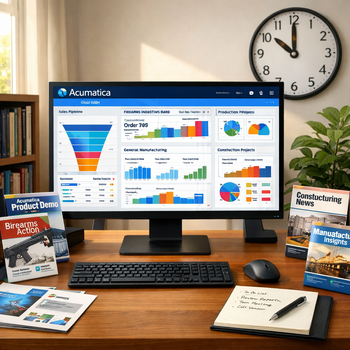
Dashboards can also place key information directly in front of the user. Instead of opening multiple reports to understand what is happening, employees can review important metrics, alerts and activity from one location.
Acumatica also supports configurable screens and personalized views. This allows the system to better reflect an employee’s responsibilities and reduce unnecessary steps during daily work.
Create a More Productive User Experience
Clear navigation helps employees complete tasks with fewer interruptions. New users can learn the system more easily while experienced users can build efficient routines around their most common activities.
Because Acumatica is browser-based, authorized users can access the system from supported devices without relying on a traditional desktop installation.
Watch the video above to explore Acumatica’s navigation experience, then talk with 3Value about configuring workspaces, dashboards and access around the way your team works.