
2 min read
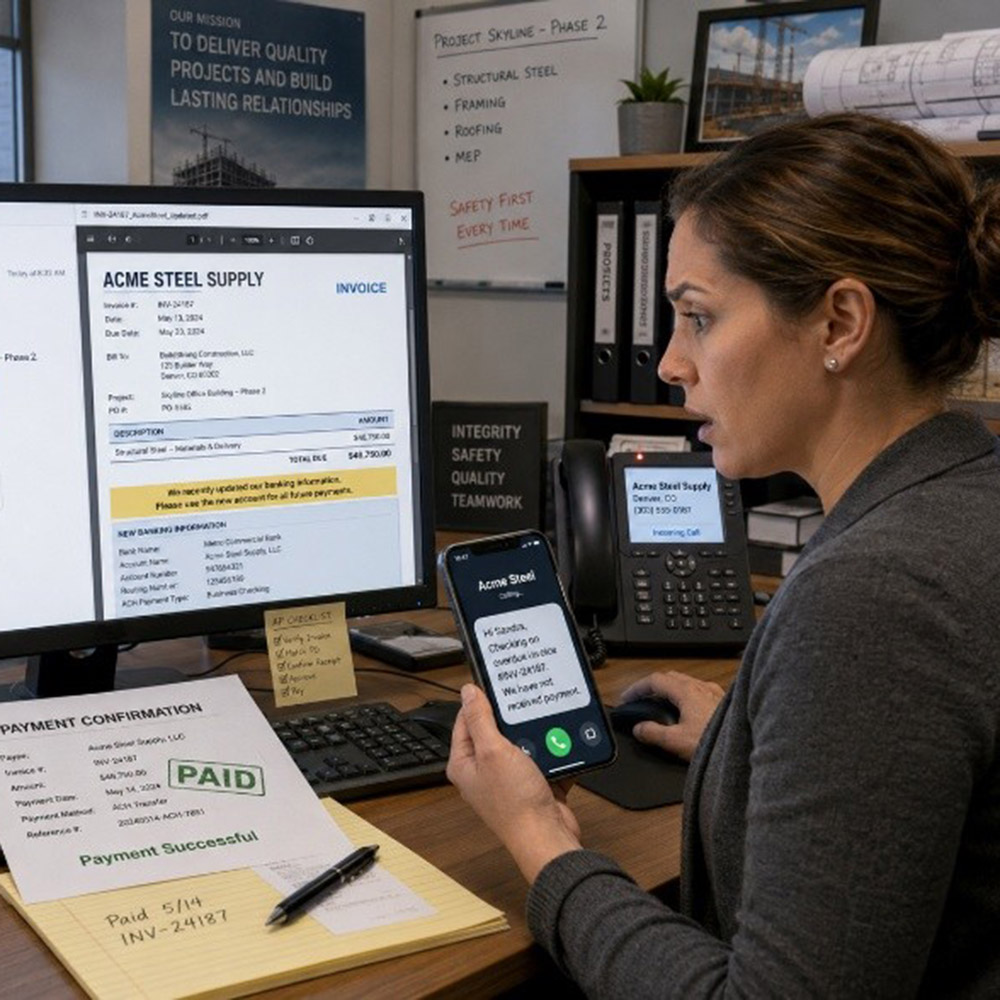
Anna handles accounts payable for a mid-sized construction firm. On a Tuesday morning, an email landed in her inbox from a vendor she recognized. The subject line read: "Updated Invoice – Payment Due This Week." The logo looked right. The contact name was familiar. The invoice number matched a recent project.
She opened the attached PDF. Everything looked professional. The bank account details had changed, but the email explained that. "We recently updated our banking information. Please use the new account for all future payments."
Anna was busy. The deadline was real. She processed the payment.
Two days later, the actual vendor called asking about the overdue invoice. The money was gone. It had been wired to a fraudulent account. Anna had done everything she normally does. The problem was the email was not from the vendor at all.
What Happened
Attackers monitored email communications between Anna's company and a known vendor. They sent a fake invoice from a spoofed email address that looked nearly identical to the real one. The PDF was convincing. The only change was the bank account number. This attack is called Business Email Compromise (BEC), and it specifically targets payment processes.
BEC attacks cost businesses billions of dollars every year. According to the FBI's Internet Crime Report, BEC scams resulted in over $2.9 billion in losses in 2023 alone. The attack does not require hacking your system. It only requires tricking one person during a busy moment. A single payment to the wrong account can rarely be reversed.
Remember the Framework

Simple Steps to Protect Yourself
-
Any email requesting a change to payment or banking details should trigger a phone call to the vendor. Use a number you already have on file, not one listed in the email.
-
Never approve a payment change based on email alone, even if the request looks legitimate and urgent.
-
Check the sender's email address carefully. Fake addresses often differ by one letter or use a slightly different domain.
-
At home, apply the same rule. If your bank, a landlord or a service provider asks you to send money to a new account, call them first.
-
Report any suspicious invoice or payment request to your manager and IT team before acting on it.
Do This Today
✔ Find one vendor or supplier you pay regularly. Confirm their current banking details by phone using a number from your records, not from a recent email.
✔ If your team handles payments, ask your manager whether a verbal verification step exists for banking changes. If it doesn't, suggest adding one.
Quick Checklist
-
Did the email ask me to change payment details? Call to verify before doing anything.
-
Does the sender's email address match exactly what I have on file?
-
Am I feeling rushed or pressured to pay quickly? That is a warning sign.
-
Did I use a phone number from the email itself? Stop. Use your records instead.
-
Have I reported this to my manager or IT team?
Zero Trust Human Habit of the Week
Never change payment details based on an email alone. Always verify by phone using a number you already trust.