
1 min read
VIDEO - Acumatica Cloud ERP 2022 R2 New Features - System Wide - Improved Notification Template Usability
Nick Knight : March 10 2025
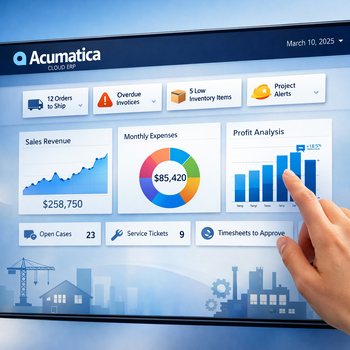
Automated notifications can save employees from manually sending the same messages throughout the day. However, building those notifications can become frustrating when users must memorize field names, understand complex formatting or repeatedly preview a template to confirm that the correct information will appear.
Acumatica improved notification template usability as part of its 2022 R2 release. These enhancements make it easier to create clear, professional messages using information already stored within Acumatica Cloud ERP.
Watch the video to see how the updated tools simplify notification template creation and editing.
Build Messages with Acumatica Data
Notification templates allow businesses to create reusable messages for common processes. Information from the related record can be inserted automatically, helping each recipient receive a message that reflects the actual transaction or activity.
Businesses may use templates for:
- Sales order confirmations
- Shipment notifications
- Customer invoices and statements
- Approval requests
- Purchase order communications
- Support case updates
- Employee alerts
- Business event notifications
Instead of typing customer names, document numbers or transaction details manually, users can add data fields that populate when the notification is generated.
Find and Add Fields More Easily
The improved template editor gives users a more convenient way to locate available fields and place them into the message. This reduces the need to remember technical field names or switch between screens while building the template.
Users can create a subject line and message body, add formatted text and insert information from the related Acumatica record. Depending on the notification, reports or other documents may also be attached automatically.
Previewing and testing the template helps users confirm that the content is clear and that the correct information appears before the notification is activated.
Improve Communication Without Repetitive Work
Consistent templates help customers, vendors and employees receive the information they need at the right point in a business process. They can also reduce mistakes caused by copying details into emails manually.
Better usability makes it easier for administrators to maintain existing templates and create new ones as communication needs change. Employees gain a more dependable process without adding unnecessary work to each transaction.
Watch the video above to see the improved notification template tools in action, then talk with 3Value about using Acumatica automation to create more consistent business communication.