
1 min read
VIDEO - Setting Tabs for faster data entry in Acumatica Cloud ERP Software
Rob Kirkey : March 10 2025
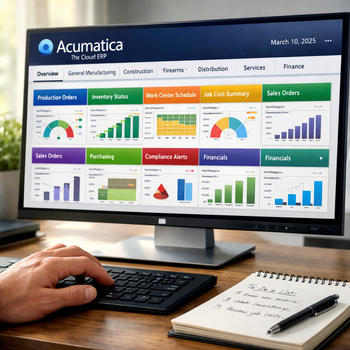
Small improvements can make a major difference when employees enter records throughout the day. Moving repeatedly between a keyboard and mouse may only take a few seconds, but those seconds add up across invoices, orders and other daily transactions.
Acumatica Cloud ERP allows users to adjust the tab order on a screen so the cursor moves through fields in a sequence that matches the way they work. This simple personalization can make routine data entry faster and easier to complete.
Watch the video to learn how to set tabs in Acumatica and create a more efficient path through frequently used screens.
Make Every Keystroke More Efficient
The Tab key lets users move from one field to the next without reaching for the mouse. However, a default tab sequence may include fields that an employee rarely uses or move through the screen in an order that does not fit the company’s process.
Setting a customized tab order allows users to determine which fields receive focus and the sequence in which they appear. Employees can move directly through the information they need while bypassing fields that do not apply to their work.
A customized sequence can be especially helpful on screens used for:
-
Customer and vendor records
-
Sales orders and purchase orders
-
Invoices and bills
-
Inventory transactions
-
Project or service information
Reduce Interruptions in Daily Work
Efficient data entry is not only about typing faster. It is also about reducing unnecessary movements and helping employees maintain focus. A screen that follows the natural order of a workflow can feel easier to use and require less effort to navigate.
Personalized tab settings may also support consistency. When fields appear in a logical sequence, users are less likely to jump around the screen or overlook important information during repetitive entry.
See How to Set Tabs in Acumatica
Acumatica includes personalization tools that help users shape the system around their responsibilities. Setting the tab order is a small adjustment, but it can improve the experience of working in frequently used screens.
Watch the video above to see how the feature works, then identify the screens where a better tab sequence could save your team time each day.