
1 min read
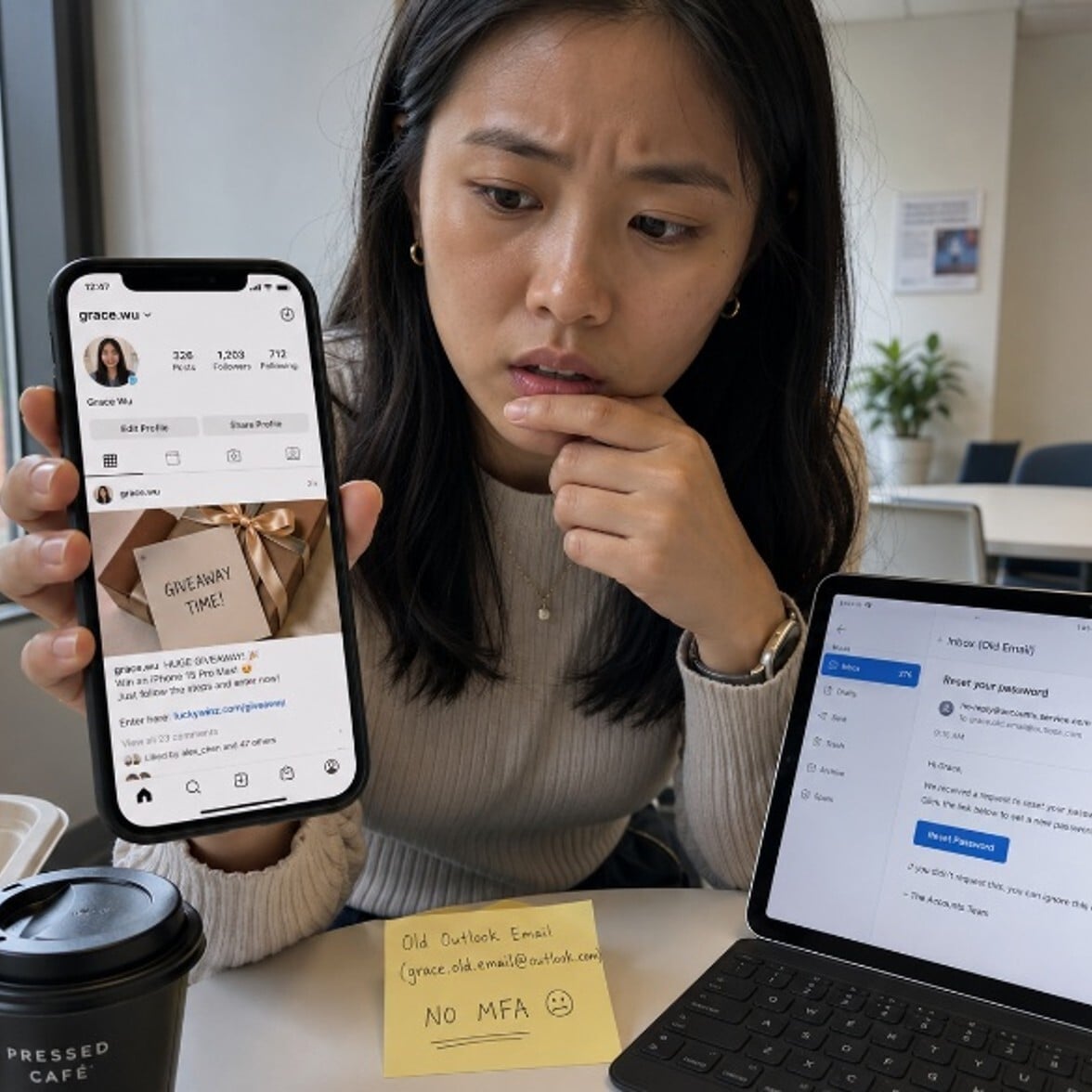
Grace scrolled through her Instagram feed on her lunch break, the same routine she had every day. Then she noticed something odd. A friend had liked a post she never made. A photo. A link. Something about a giveaway.
She checked her profile. The post was there. She had not made it. Her account had been taken over, and she had no idea how long ago it happened.
The attacker had used her old email address, the one she stopped checking two years ago. That account still had no multi-factor authentication. One password reset was all it took.
What Happened
Someone used Grace's old, unprotected email to trigger a password reset on her social media account. Once inside, they used her profile to run a scam, posting fake giveaway links to her friends and followers. Grace's account looked real, trusted and familiar to everyone who saw it.
Your social media account carries your name, your face and your reputation. Attackers use hijacked profiles to scam your contacts, spread phishing links or sell access to your account. If you share any login credentials between social media and work apps, a compromised personal account can become a path into your organization.
Remember the Framework

Simple Steps to Protect Yourself
-
Turn on multi-factor authentication for every social media account. Most platforms offer it under Settings > Security.
-
Check the email address linked to each social media account. Make sure that email account is also protected and active.
-
Review your connected apps. Remove any third-party apps you no longer use or recognize.
-
Use a unique password for each social media platform. Do not reuse passwords from work accounts.
-
Check your account's login history. Look for devices or locations you do not recognize.
Do This Today
✔ Open one social media account right now and confirm that multi-factor authentication is turned on.
✔ Check the recovery email linked to that account. Make sure you still control it.
✔ If you see any posts, messages or login activity you did not create, report it to the platform and notify IT.
Quick Checklist
-
MFA is turned on for all personal social media accounts.
-
Recovery email addresses are active and also protected with MFA.
-
I use a unique password for each social media platform.
-
I have reviewed connected third-party apps recently.
-
I know how to report suspicious login activity to the platform.
Zero Trust Human Habit of the Week
Check your connected apps once a month. Revoke access for any app you no longer use or do not recognize.